Money Toolkit · Google Sheets and Excel
FIRE Spreadsheet: Net Worth & Early Retirement Tracker
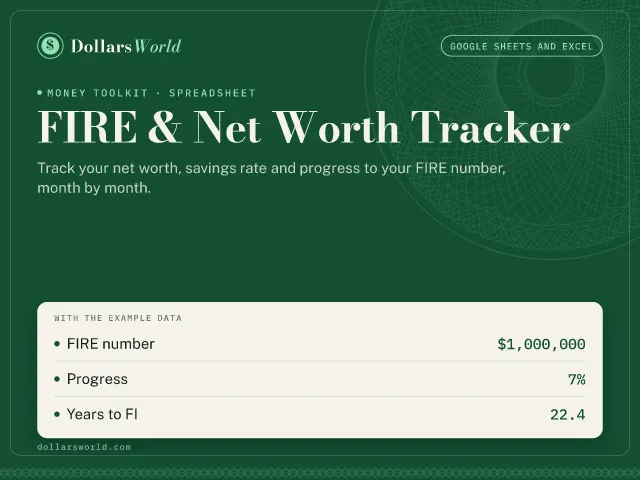
Track your net worth, savings rate and progress to your FIRE number, month by month.
Instant download · Excel and Google Sheets · 14-day refund · Free updates
What's inside
- Monthly net-worth and savings-rate log
- FIRE number, progress and FI age
- Coast FIRE and a 40-year projection chart
The tabs
- Dashboard
- Net worth log
With the example data
It opens filled with a realistic example, so you can see how it works before you type your own numbers.
- FIRE number
- $1,000,000
- Progress
- 7%
- Years to FI
- 22.4
How you use it
- Dashboard: enter the yearly spending you expect in retirement, your withdrawal rate, expected return after inflation, birth year and how much you invest each year.
- Net worth log: once a month, add a row with your balances, take-home income and spending. The example rows show the format; replace them with yours.
- Read your FIRE number, progress and projected age at financial independence on the Dashboard.
- Revisit your spending and return assumptions once a year. Small changes move the date a lot.
Try the free calculators first
The sheet does the same math as these calculators, every month, with your own numbers.
- FIRE CalculatorHow much do I need to retire early, and when will I get there?
- 401(k) CalculatorHow much will my 401(k) be worth when I retire?
- Net Worth CalculatorWhat am I worth, and how do I compare?
Questions
What do I get?
An email with your download straight after checkout: the Excel file and a one-page quick-start guide that shows how to open it in Excel or Google Sheets. The printable binder is a PDF in Letter and A4 sizes.
Excel or Google Sheets?
Both. Open the .xlsx in Excel, or import it into Google Sheets in three clicks (File, Import, Upload). Everything works in either, with no add-ons, macros or scripts.
Can I get a refund?
Yes. If a sheet isn't right for you, email hello@dollarsworld.com within 14 days of buying and we'll refund you in full.
Do I get updates?
Yes, free. The freelancer sheet is updated for each new tax year, and the Complete Toolkit includes every new tool we add.
Who handles payment and sales tax?
Our payment partner acts as the merchant of record: it takes the payment, charges the right sales tax or VAT for where you live, and emails your receipt. We never see your card details.
Is this financial advice?
No. The sheets are planning tools that show estimates from the numbers you enter. For decisions about your own situation, talk to a qualified professional.
Can I share it?
Each purchase is for personal use in your own household. For a business, team or classroom license, email us.